setup
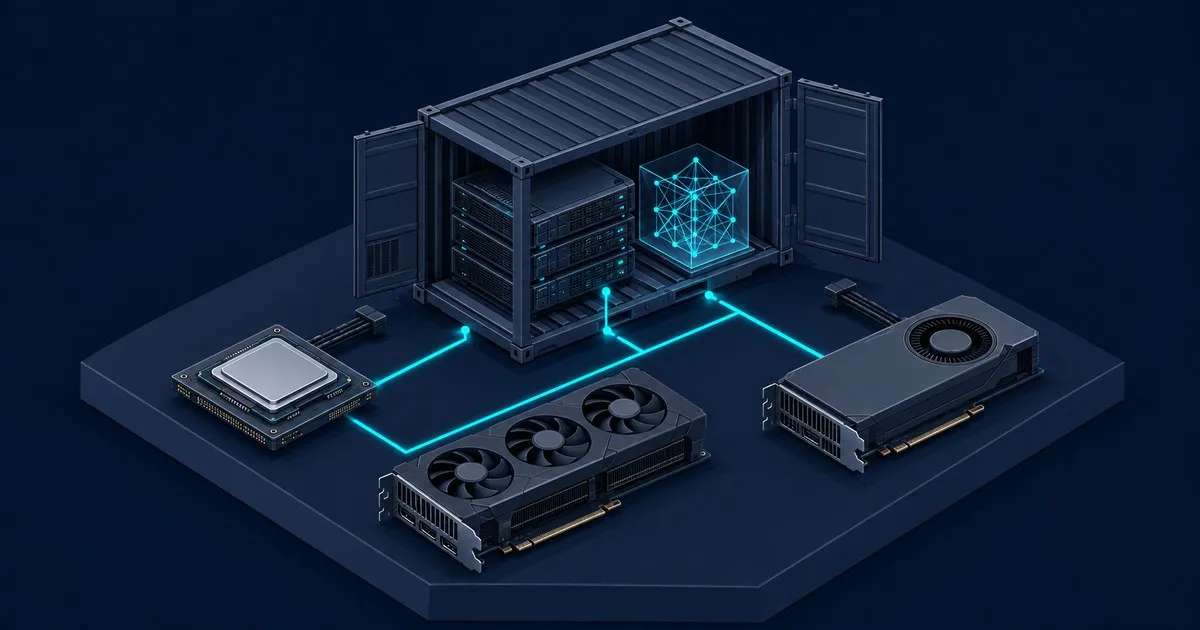
How to Run Ollama in Docker: CPU, NVIDIA and AMD GPU Setup
How to run Ollama in Docker: the one-line CPU container, NVIDIA and AMD GPU passthrough, a reboot-safe Compos…
Ollama vs LM Studio compared on speed, API, headless serving, Apple Silicon MLX and licensing, with a clear pick for developers and desktop users.
Read the article →How to run Ollama in Docker: the one-line CPU container, NVIDIA and AMD GPU passthrough, a reboot-safe Compos…

Best GPU for Ollama by the two specs that matter: VRAM capacity decides what loads, memory bandwidth decides …

Ollama on Apple Silicon: how much unified memory a model actually gets, what each M-series chip's bandwidth m…

Best Ollama models for 8GB VRAM: which parameter counts and quantisations fit once the desktop takes its shar…

Ollama tokens per second explained: how memory bandwidth, quantisation, and context length set generation rat…

Ollama without a GPU: what CPU-only inference costs in tokens per second, how much system RAM each model clas…
OllamaLab covers the hardware side of running local models with Ollama: how much GPU memory a model needs, how fast a card can read those weights back on every generated token, and what to change when a model runs slower than it should. Two numbers decide almost everything - the VRAM a model and its quantisation occupy, and the memory bandwidth that sets generation speed once it fits. Every guide below works outward from those two.
--verbose.